


Create composites
You create composites to allow data from drillholes of different sample lengths to be compared. For example, to be able to use both exploration and diamond drilling data. Composites are artificial divisions of the drillholes to a particular sample length, with the grade for the sample being calculated using the actual sample values.
Task: Create composites within a domain
The domain ore_solid1.dtm represents an ore zone known as the QV1 zone. In this task you will extract composites only inside the QV1 domain.
- Run 01_create_downhole_composites.tcl.
- After reading the text on the first form, click Apply.
- After viewing the following form, click Apply.
- After viewing the form, click Apply.
- After reading the text on the following form, click Apply.
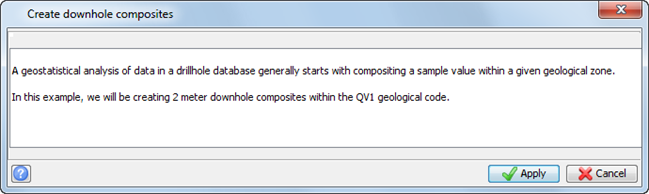
The Create downhole composites form is displayed by choosing Database > Composite > Downhole.
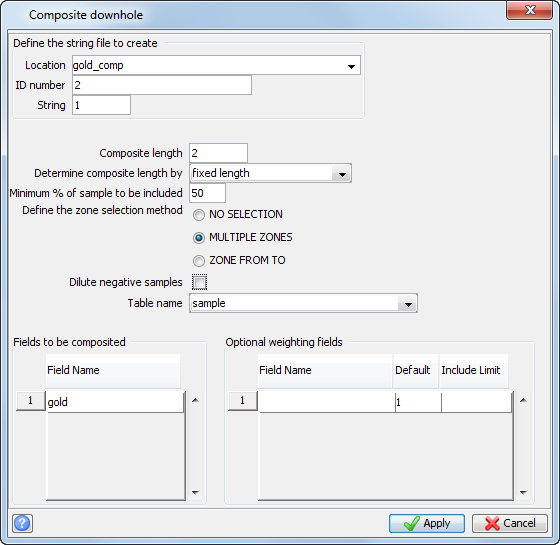
A composite length of 2 metres has been selected. The selection of a composite length is important, but the explanation of how to determine the correct composite length is beyond the scope of this tutorial. You might want to consider the opinion of a geostatistical consultant to determine the optimal composite length for your data set.
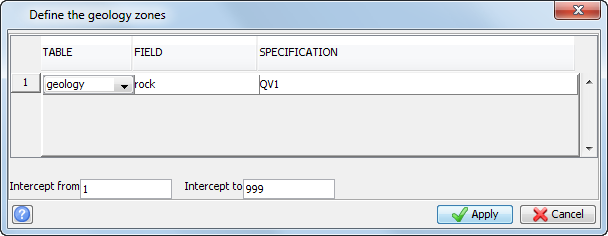
On the next form, the character field rock has been set up in the geology table, which is an interval table. The text “QV1” has been inserted into the field rock for every interval of a drillhole which is inside ore_solid1.dtm.
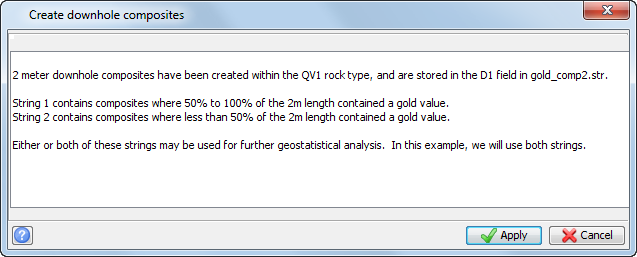
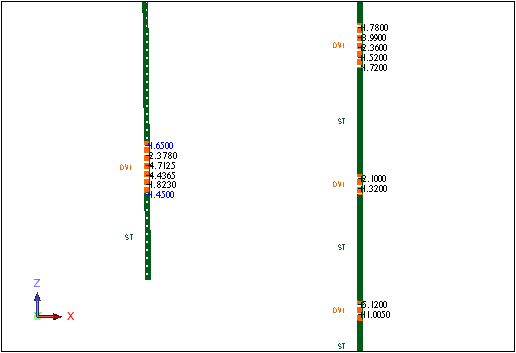
You will see an east-west section of the database and the composites which were created.
Menu commands:
| Select... | to... |
|---|---|
| Database > Composite > Downhole | perform downhole compositing. |