


Domains
Task: View domain
- Open all_composites2.str in Graphics.
- Choose Display > Hide everything.
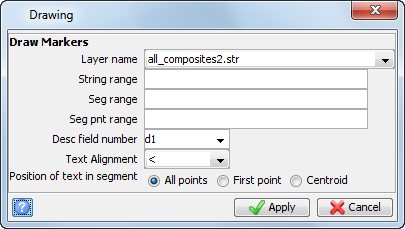
- Choose Display > Point > Markers.
- Enter the information as shown, and click Apply.
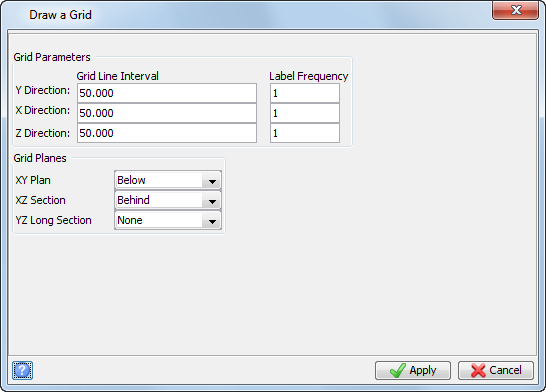
- Choose Display > 3D grid.
- Enter the information as shown, and click Apply.
- Rotate the data in Graphics as shown.
- With all_composites2.str still displayed on the screen, open ore_solid1.dtm.
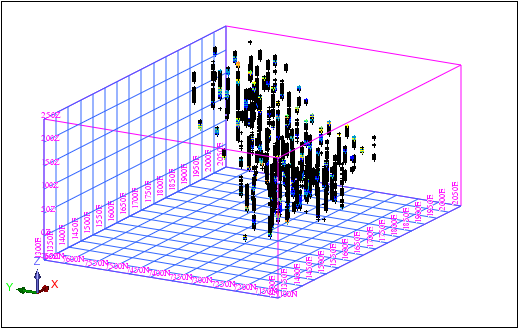
The points in this string file represent 2 metre downhole composites of all gold values for all drillholes. The D1 field contains the composited value for gold, and have been used to classify the points into different strings.
| String | D1 |
|---|---|
| 1 | < 1.000 |
| 2 | 1 – 1.999 |
| 3 | 2 – 2.999 |
| 4 | 3 –3.999 |
| 5 | 4 – 4.999 |
| 6 | 5 – 5.999 |
| 7 | >= 6.000 |
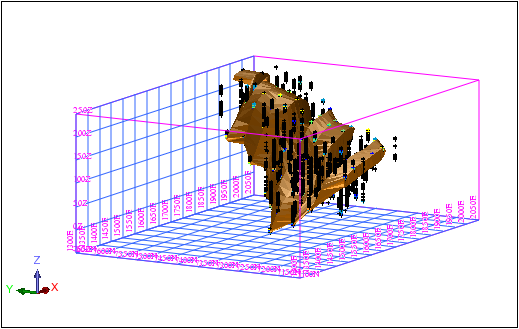
This solid represents a single domain. Only composites that fall inside this domain should be used to estimate blocks inside the domain.